
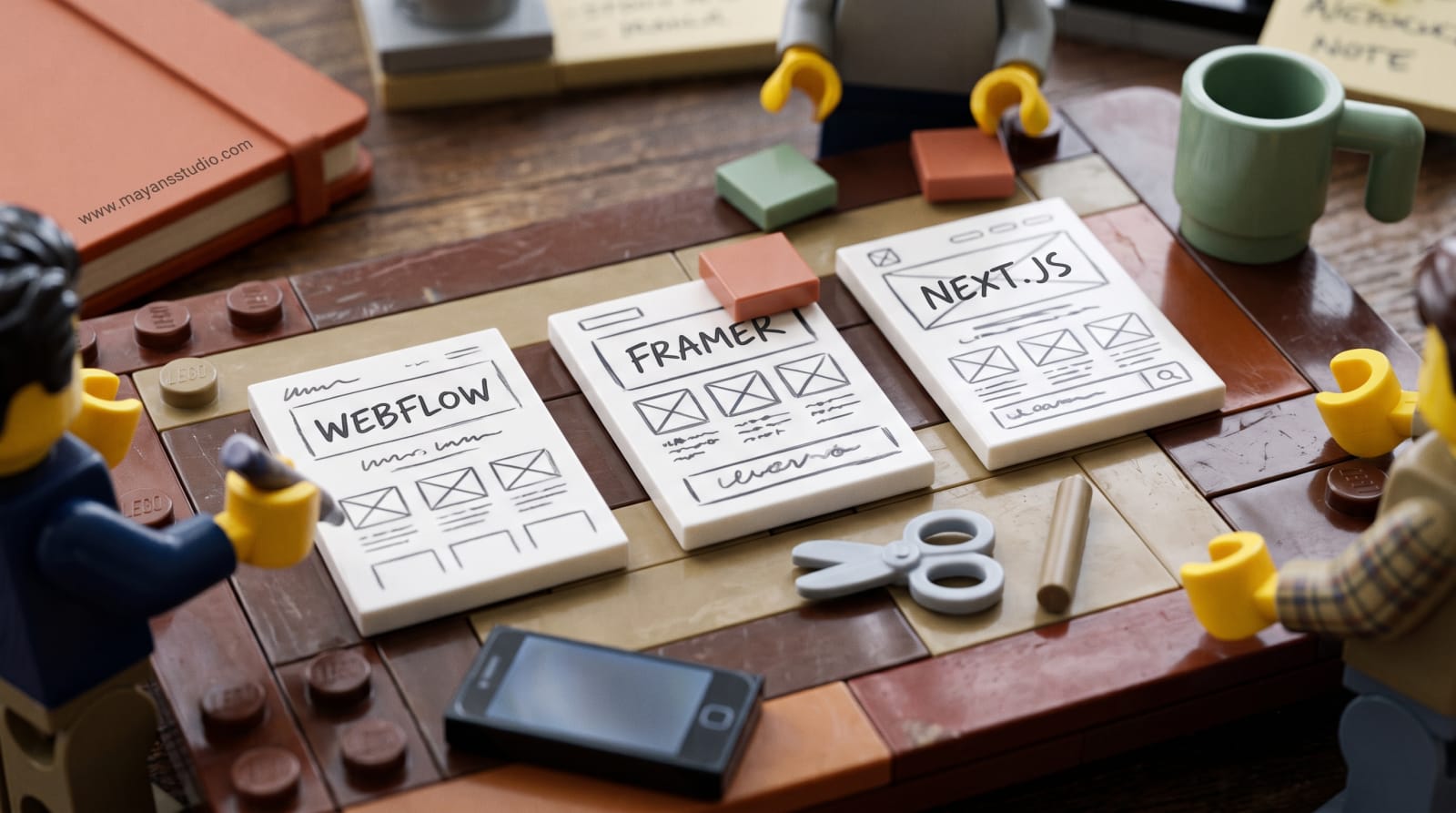
The platform argument usually happens in a Slack thread. The designer wants Framer, the first marketing hire wants Webflow, and the CTO says, reasonably, "We'll just build it in Next.js, it's the same stack as the app." All three are right about something.
Most comparisons of Webflow vs Framer vs Next.js are written from a designer's chair. I was a software developer before I moved into marketing, so this one is written from the engineering side of the table.
The question that decides it: who ships the next landing page?
Feature lists matter less than one question: when marketing needs a new page next Tuesday, who builds it? If the answer is "whoever is doing marketing, without filing a ticket", a visual builder wins. If the marketing site shares components, pricing data or authentication with the product, Next.js starts to earn its engineering cost. It's common for an early-stage team to be the first case and pick the second anyway.
Rendering and indexing: a smaller difference than the forums suggest
Google queues pages for rendering, and its documentation recommends server-side or pre-rendering because it's faster for users and crawlers (sourced from Google's JavaScript SEO basics). Webflow and Framer host your pages for you, so most of that decision is made on your behalf. Framer, for example, generates sitemap.xml and robots.txt automatically and handles redirects in site settings (sourced from Framer Help).
Next.js can do this well: a static export generates an HTML file per route at build time (sourced from the Next.js documentation). The risk isn't the framework. It's a team that builds the marketing site like an app, with content that only appears after client-side JavaScript runs. Whatever you choose, run your key pages through URL Inspection in Search Console and look at what Google actually rendered.
CMS limits at a few hundred pages
This is where SaaS sites get caught, because integration pages, use-case pages, glossary entries and changelog posts add up faster than anyone expects. As each platform lists them on 8 October 2026:
Webflow. The Premium site plan, which replaced the CMS and Business plans in May 2026, includes 20,000 CMS items; the Basic plan has no CMS at all (sourced from Webflow Help).
Framer. The Pro plan includes 2,500 CMS items, expandable in paid steps to 40,000, with 150 pages included and up to 700 in total (sourced from Framer's pricing page).
Next.js. No CMS of its own. You pair it with a headless CMS or keep content as Markdown in the repo, and the limits are whatever that choice sets.
Count what you'll have in two years, not what you have today: every integration you plan to ship, every competitor comparison, every changelog entry. Then check that number against the plan you'd actually pay for.
The things marketing will eventually ask for
Structured data, analytics tags, a chat widget, and an A/B test on the pricing page. Webflow allows up to 50,000 characters of custom code across site settings, page settings, code embeds and CMS rich text (sourced from Webflow). Framer's own guide suggests adding JSON-LD structured data for richer search results (sourced from Framer Help). On Next.js, you can do anything, and every one of those requests becomes an engineering ticket.
No builder fixes AI search visibility on its own, either. That's a content and structure question, and whether your SaaS site needs an llms.txt file is a separate decision from which platform you pick.
The migration cost nobody prices in
You'll probably move platforms at least once. When you do, every URL that changes needs a permanent redirect. Google recommends 301 or 308 redirects, kept "generally at least 1 year", and warns that visibility may fluctuate temporarily during the move (sourced from Google Search Central). The cheapest insurance is a URL structure that doesn't depend on the platform: /blog/, /integrations/, /compare/, chosen now and kept.
My short version
Webflow if marketing owns the site, you expect hundreds of CMS pages, and you want a designer-friendly editor with real control over the markup.
Framer if design leads, the site is small, and speed of iteration matters more than CMS depth.
Next.js if the site genuinely shares code or data with the product, or needs logic a visual builder can't handle, and you've budgeted engineering time for every page.
Whichever you choose, the platform is the second decision. The first is what the pages say and whether they convert, and what makes a SaaS trial signup page actually convert is the same question on all three.
If you're about to rebuild, conversion-focused product and landing pages are the work I'd scope before anyone opens a builder. Which of the three is your team actually set up to maintain?